Question 1What’s still open?
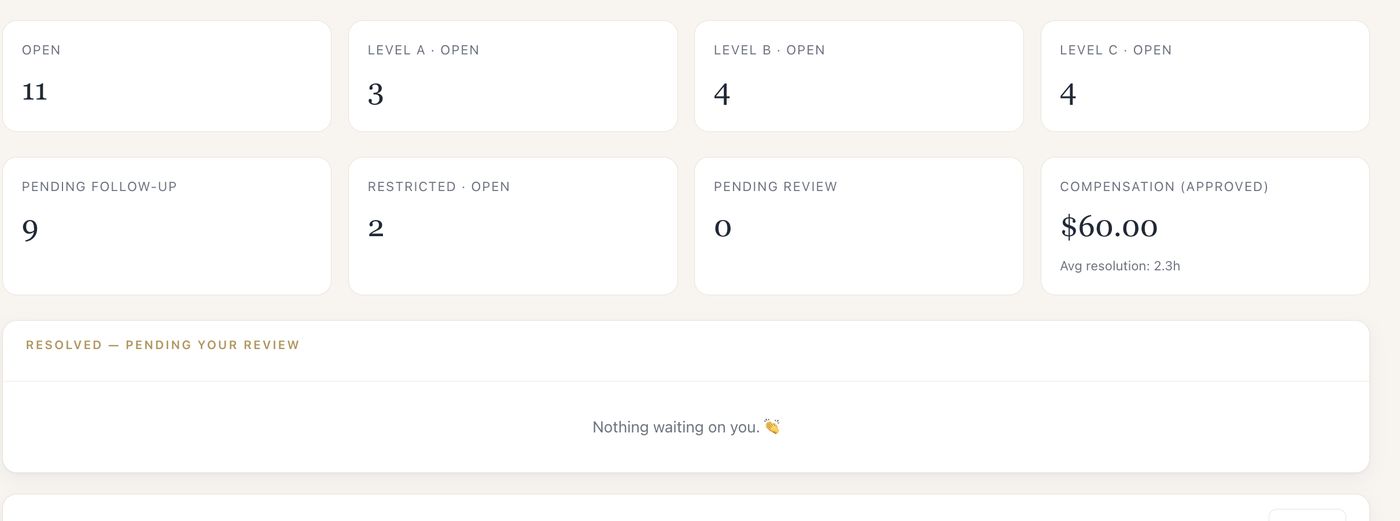
The overview puts what needs attention first: escalated cases, overdue guest updates, overdue internal targets, unassigned cases and anything still waiting to be classified — alongside open cases by severity.

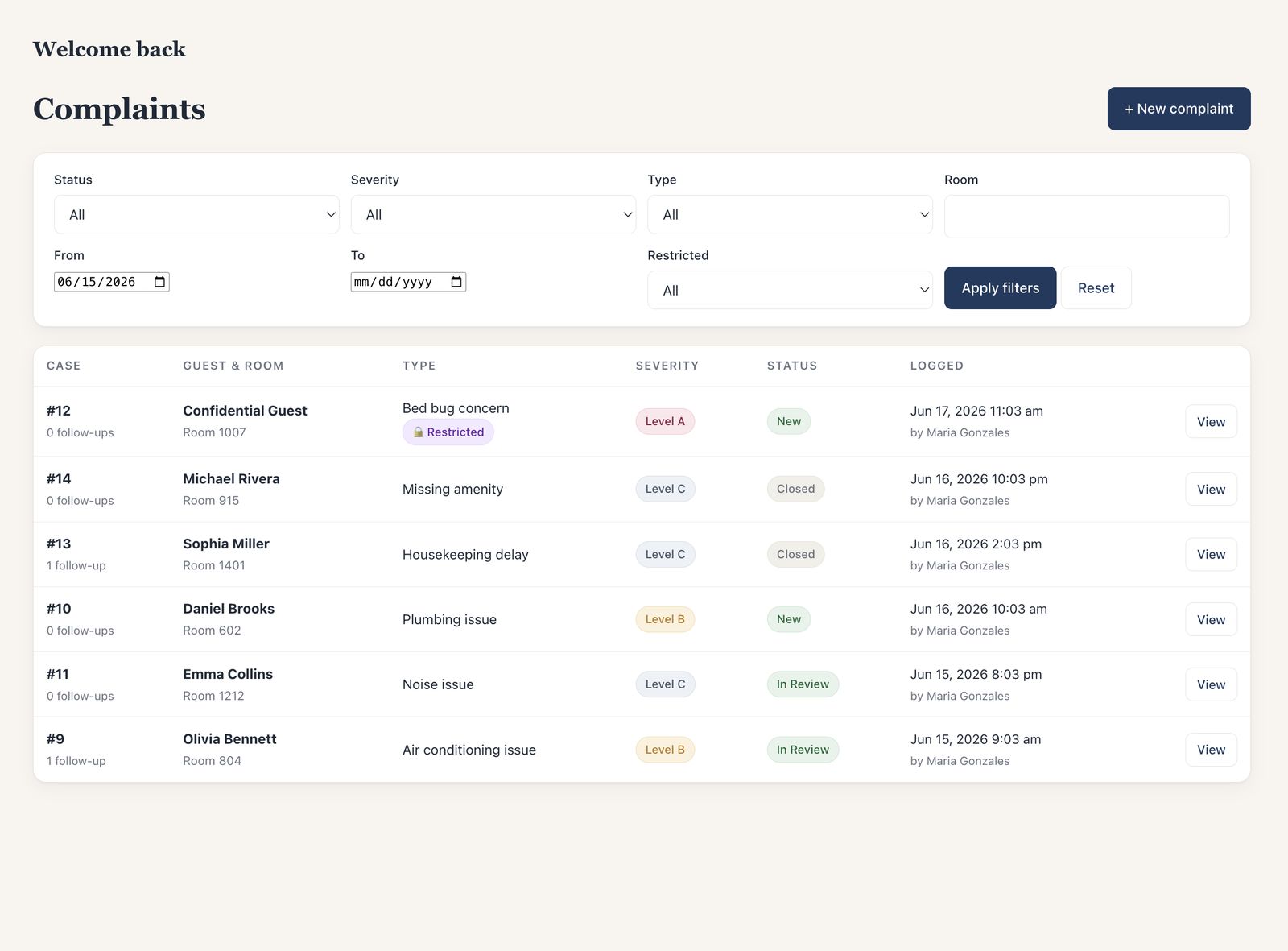
See which guest issues are open, who is handling them and which updates are overdue. Review compensation requests and resolved cases without piecing the history together from separate messages.
The overview puts what needs attention first: escalated cases, overdue guest updates, overdue internal targets, unassigned cases and anything still waiting to be classified — alongside open cases by severity.
Every case shows its responsible team, person and next action. Unassigned cases are counted and listed until someone takes them.
Promised guest updates carry a time. When one passes without a recorded update, it is overdue — on your overview, in reminder emails, and in the daily summary.
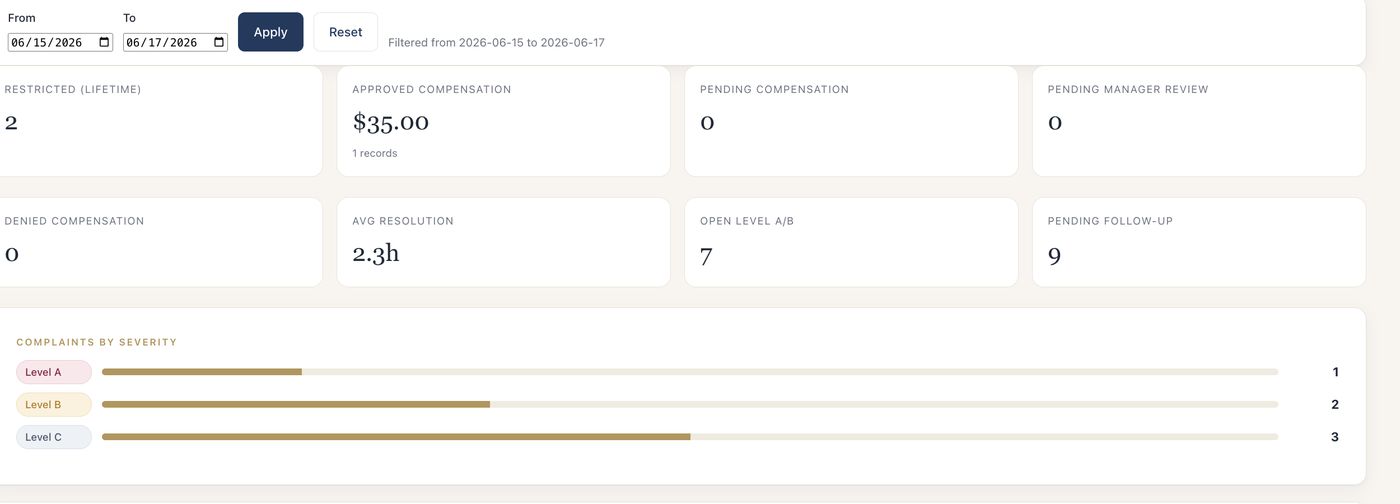
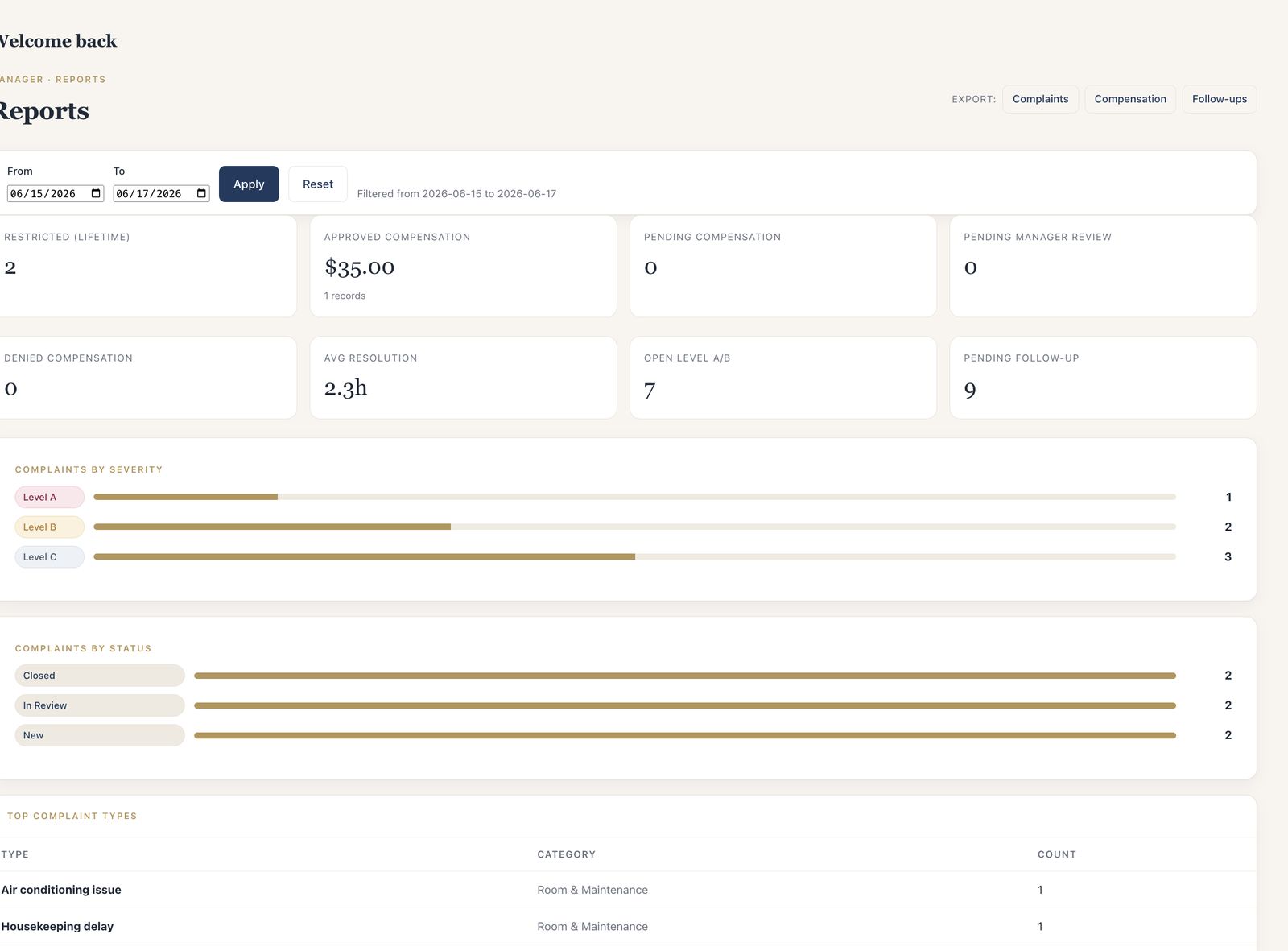
Compensation is recorded on the case with its reason and value. Staff recommendations wait for your approval, and reports show approved, pending and denied compensation for any date range.
Top case types and repeat rooms over the last 30 days point to the maintenance or service issue behind the complaints — the one worth fixing for good.
A record the next shift can use.
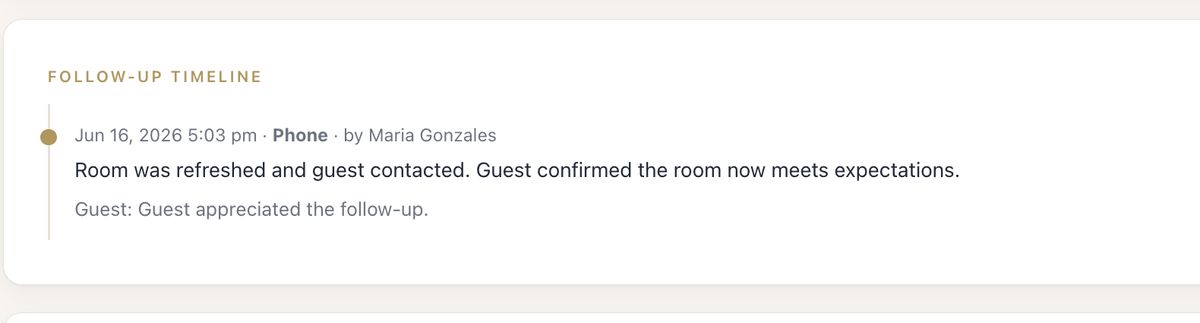
Status history and the audit log keep the full sequence, long after the people on shift have moved on.
Resolved cases wait for manager review. You close them — or reopen them, with a reason.
Print any case as a formal report with a Guest’s Version page. See the report
CSV exports of cases, compensation, follow-ups and the audit log.

The case form asks for the details staff need to pass on. Shared front-desk accounts record who made each entry, and unlimited users let you include everyone who needs access.
The form asks for what the desk already knows. “Not sure” is a valid answer.
Unlimited staff users, including shared front-desk accounts with the person recorded on each entry.
Front desk, supervisor and manager roles — and restricted cases stay out of view at the desk.
Each property gets its own workspace, users and records, priced per property. What owners and operators get.
We’ll walk through a sample guest issue, show what your team and managers can do, and answer your questions. The demo takes about 30 minutes, and you don’t need to share guest information.